
Cloud Telephony & Integrations
Enterprise Contact Center Software: How to Evaluate Platforms and Solutions
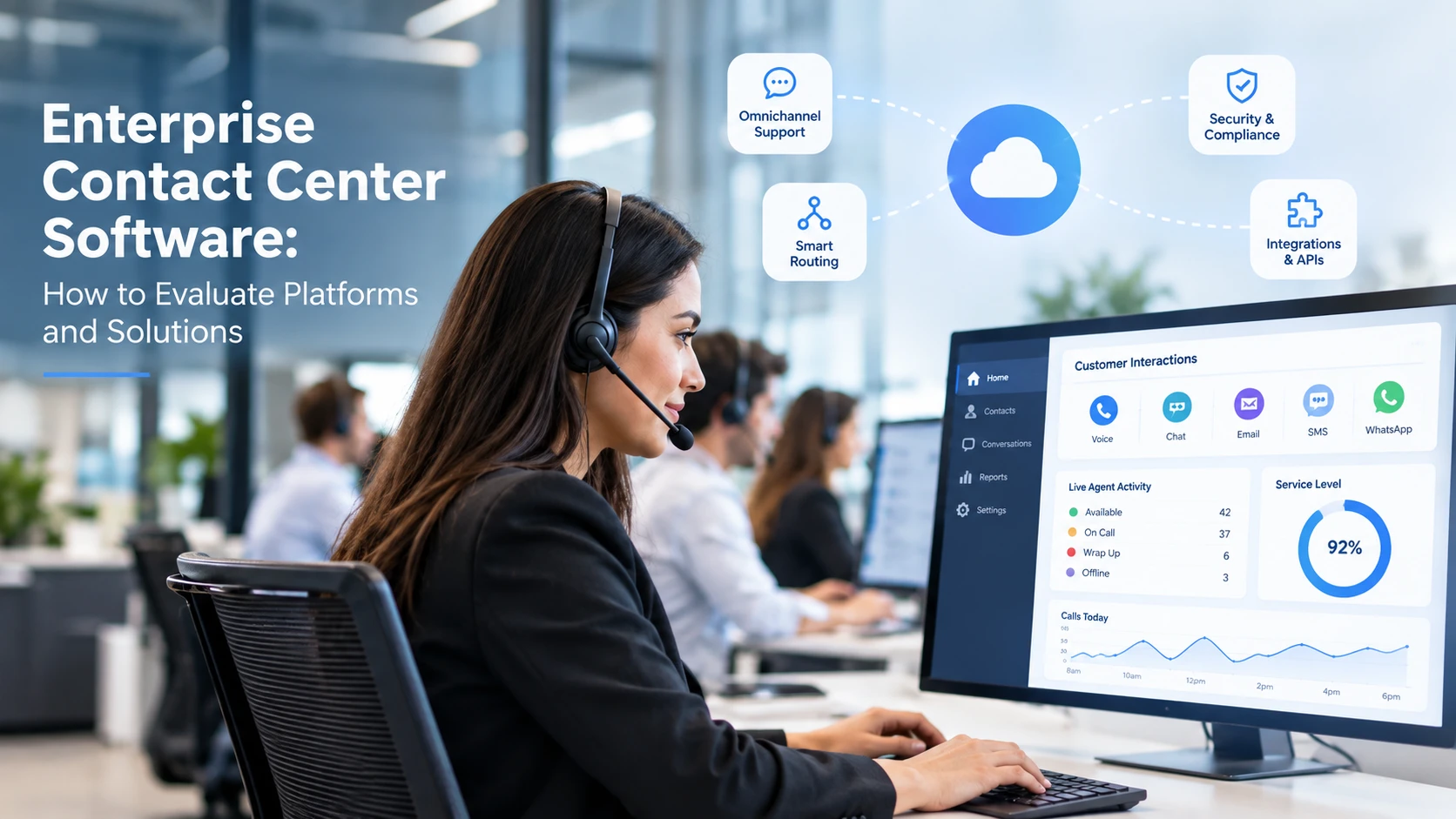
Enterprise contact center software needs to do more than connect agents with customers. Large organizations must coordinate channels, locations, workflows, permissions, integrations, and reporting without losing control over service quality. A platform that works for one department may fail when several business units need shared governance and different customer journeys.
The right evaluation starts with operating requirements, not a product demo. This guide covers the capabilities that matter most, how to compare enterprise contact center solutions, and the questions that reveal whether a platform can support both current volumes and future complexity.
What enterprise contact center solutions should include
Enterprise contact center solutions bring customer interactions and operational controls into a managed environment. Depending on business needs, that may include inbound and outbound voice, digital channels, routing, workforce tools, analytics, quality assurance, and integrations with CRM or service platforms.
Prioritize evidence over broad claims. Ask vendors to show how workflows are configured, how data moves between systems, what supervisors can monitor, and how business-continuity scenarios are handled.
Cloud contact center for enterprise: architecture choices
An enterprise cloud contact center can offer centralized administration, distributed access, and frequent vendor-managed updates. However, deployment fit depends on network quality, data residency, security obligations, procurement constraints, and existing infrastructure. Hybrid approaches may be appropriate where integrations or legacy systems cannot be replaced immediately.
Review geographic availability, failover arrangements, recovery targets, identity integration, and network dependencies. Request architecture diagrams and evidence from the vendor rather than assuming all cloud services provide identical resilience.
Omnichannel support and customer context
Customers may start on chat, move to voice, and follow up by email. Evaluate whether an agent can see the relevant history and whether routing preserves context across channels. A long channel list is not enough if the organization cannot report on the complete interaction.
Review the omnichannel contact center capabilities needed for a consistent cross-channel experience.
Call routing, workforce operations, and performance
Routing should balance customer needs, agent skills, availability, priority, and service targets. Test complex cases such as language requirements, high-value customers, transfers, overflow queues, and after-hours coverage. Reporting should distinguish queue delays, contact outcomes, service levels, and repeat contacts.
A dedicated call routing software review can help uncover gaps in queue logic and escalation paths.
AI automation in an enterprise contact center platform
AI features can support summaries, knowledge retrieval, quality review, categorization, and selected self-service flows. Define the intended use case, expected quality threshold, human escalation path, and data-handling requirements before rollout. Measure operational outcomes rather than counting AI features.
See how call center AI automation may fit within a broader agent-assistance and workflow strategy.
Integrations, APIs, and data governance
A contact center for enterprise operations rarely functions in isolation. It must work with CRM, identity, ticketing, analytics, billing, and internal databases. During evaluation, validate authentication, API limits, webhooks, event latency, error handling, and the ownership of customer records.
For custom workflows, examine voice API integrations alongside security reviews and integration maintenance costs.
Outbound operations and enterprise dialer software
Enterprises running outbound sales, collections, support callbacks, or other high-volume campaigns may require additional campaign management, lead distribution, calling policies, and dialing modes. Confirm whether outbound is fully supported by the proposed edition or requires a separate service, license, or integration.
Compare enterprise dialer software if outbound productivity is a major buying requirement.
For more on individual dialing capabilities, see call center dialer software.
Security, compliance, and access controls
Ask how the platform handles role-based access, encryption, retention, recording permissions, audit logs, and data export. The legal requirements for customer communications vary by activity and location. Governance should include approvals for workflow changes, campaign settings, and any automated decisions that affect customers.
Use the enterprise call center compliance guide (/resources/guides/contact-center-operations/enterprise-call-center-compliance) to structure the compliance questions once the guide passes legal review and is published.
Enterprise contact center software evaluation checklist
-
Map the journeys and channels the platform must support.
-
Document agent seats, locations, peak concurrency, and required availability.
-
Test routing, transfers, overflow, and multilingual requirements.
-
Validate CRM, identity, reporting, and API integrations with sample data.
-
Review security controls, audit evidence, retention, and data residency.
-
Confirm outbound capabilities and any additional licensing.
-
Inspect reporting at agent, campaign, queue, and enterprise levels.
-
Request a realistic cost model covering licenses, usage, implementation, and support.
-
Run a pilot with real operational scenarios and agreed success criteria.
Total cost of ownership: look beyond license fees
Enterprise pricing can be affected by named versus concurrent users, channels, telecom usage, AI features, storage, integrations, onboarding, support levels, and change-management effort. Ask for a three-year cost view that includes planned growth and the operational work your internal teams must still perform.
A useful business case connects software investment to measurable objectives such as faster response, reduced transfer rates, improved agent capacity, higher contact resolution, or clearer campaign controls. Validate baselines before forecasting gains.
Frequently asked questions
What is the difference between a call center and a contact center?
A call center is primarily voice-focused. A contact center may coordinate voice and additional channels such as chat, email, messaging, and self-service.
Is an enterprise cloud contact center always better than on-premise software?
No. Cloud can simplify certain operations, but the best approach depends on integrations, control requirements, availability targets, data obligations, and the cost of migration.
How do enterprises compare contact center platforms fairly?
Use the same required workflows and scoring criteria for every vendor. Evaluate live tests, contractual commitments, implementation effort, security evidence, and full cost rather than comparing feature checklists alone.