
Best Auto Dialer for Small Business: How to Choose the Right Software
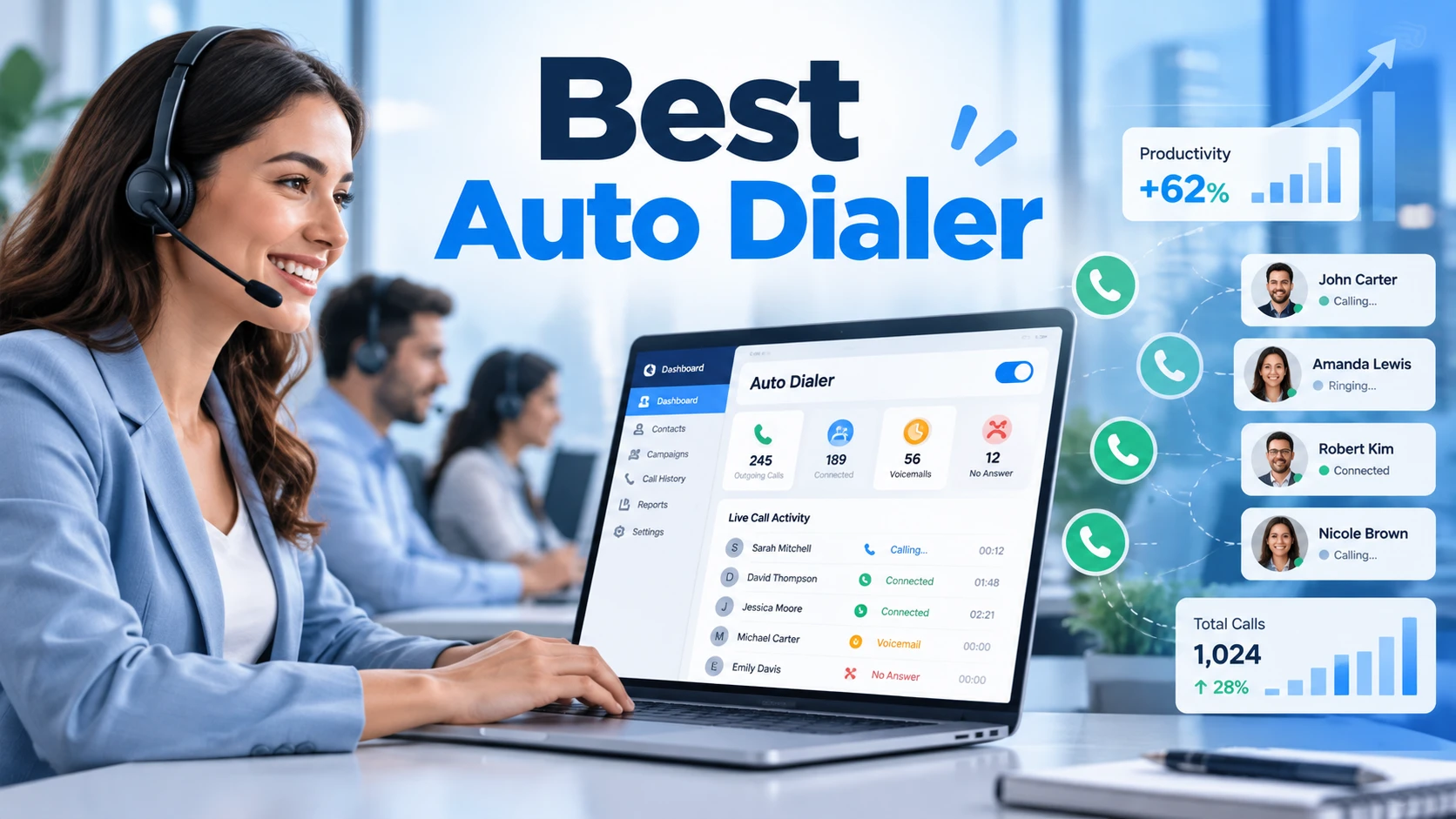
The best auto dialer for small business teams is the one that reduces repetitive dialing without creating new problems for agents, customers, or managers. For a five-person sales team, complicated setup and unclear costs can be more damaging than a missing advanced feature. For a growing outbound operation, limited reporting and weak CRM connections may become bottlenecks.
Instead of selecting an auto dialer based on the longest feature list, start with the number of agents, where leads come from, what happens after each conversation, and how your business manages contact permissions. This guide explains the common dialing modes, the practical selection criteria, and a simple process for evaluating software before committing to a plan.
What does an auto dialer system do?
An auto dialer system helps teams place outbound calls from organized contact lists and record outcomes. Depending on the configuration, it may present the next contact to an agent, dial sequentially, or use more automated call pacing. Software may also integrate with a CRM, route connected calls, and track campaign activity.
The right level of automation depends on call volume and risk tolerance. A team with high-value, personalized conversations will often prioritize preparation and context. A team calling larger volumes may prioritize pacing, queue management, and real-time supervision.
Types of auto dialer software for small teams
Preview dialers
Preview dialing shows the contact record before the agent places the call. It can fit consultative selling, account management, and teams that need to review notes before speaking.
Power and progressive dialers
These systems can reduce manual dialing time by moving agents through calling queues. The exact behavior varies by vendor, so clarify whether an agent must approve each call and how unanswered calls are handled.
Predictive dialers
Predictive dialing attempts to match call pacing to expected agent availability. It can be useful at scale, but requires close attention to abandoned calls, operational staffing, and applicable legal controls. It is not automatically the best choice for a small team.
AI-supported dialing
Some platforms use AI to support summaries, dispositions, lead prioritization, or conversations. Ask what the AI actually performs, whether it speaks to recipients, and what additional consent requirements may apply.
Compare the scope of an AI dialer (/ai-dialer/) carefully: agent assistance and AI-generated outbound voice are different use cases.
Best auto dialer software with CRM integration: What to verify
An integration is only valuable if the right information reaches the right place. Before choosing the best auto dialer software with CRM integration for your workflow, test lead creation, contact ownership, activity logging, call dispositions, recordings where allowed, and follow-up tasks. Confirm whether synchronization is native, uses an API, or requires middleware.
A practical test is to import a small authorized contact list, place calls, record outcomes, and check whether agents can see the same information in both systems. Ask what happens to duplicates, failed syncs, and deleted or opted-out contacts.
Auto dialer pricing: calculate total monthly cost
Auto dialer pricing often includes more than a software subscription. Request a quote that separates user licenses, calling minutes, phone numbers, implementation, integrations, support, minimum commitments, and potential overage charges. Compare cost per active user and cost per meaningful conversation rather than the headline price alone.
For example, a low per-seat price may be less attractive if the CRM integration, analytics, or call recording needed by your team sits in a higher tier. Ask vendors to model costs using your expected seat count, outbound minutes, and countries called.
For a deeper cost breakdown, read the auto dialer pricing guide (/resources/guides/dialing-technology/auto-dialer-pricing) once it is live.
Seven criteria for choosing the best auto dialer
-
Ease of setup: Can the team launch a controlled pilot without weeks of technical work?
-
CRM fit: Are key contact fields and call outcomes synchronized reliably?
-
Dialing modes: Does the software match how agents actually sell?
-
Compliance controls: Can the system support suppression, permissions, and calling windows?
-
Reporting: Can managers distinguish dials, connections, conversations, and outcomes?
-
Scalability: Can seats, campaigns, and permissions grow without a replatform?
-
Support and pricing: Are implementation responsibilities and recurring charges clear?
Small-business use cases for auto dialing
Outbound sales teams often need fast follow-up, clear ownership, and accurate next-step tracking. Field-service companies may prioritize reaching new inquiries quickly and scheduling appointments. Real estate and solar teams may use different lead sources and scripts, so reporting and list hygiene become important. The common requirement is connecting every call to a useful next action.
For sales-led workflows, explore sales dialer software (/sales-dialer-software/) and assess whether it matches the team’s call volume and coaching needs.
For owner-managed teams, a dialer for business owners (/dialer-for-business-owners/) evaluation should place simplicity and visibility ahead of features that will rarely be used.
Industry-specific examples include real estate dialer software (/real-estate-dialer-software/); compare any specialist features against your actual CRM and follow-up process.
Do small businesses need a compliance-focused dialer?
Small teams have compliance responsibilities too. Check the rules that apply to the audience, call method, consent status, and geography. Document opt-outs and evaluate whether the vendor can enforce approved calling rules rather than expecting agents to remember every restriction.
Review the available controls in a TCPA compliant dialer (/tcpa-compliant-dialer/) and ask legal counsel to assess how they should be configured for your campaign.
How to run an effective software demo
Bring a realistic workflow to the demo: import authorized leads, assign agents, place a test call, mark a disposition, schedule a follow-up, and inspect CRM and reporting records. Have the vendor demonstrate how a contact is suppressed after an opt-out. Ask for a written answer to any feature or pricing question that cannot be shown live.
Ready to compare a live workflow? Request an AI dialer demo (/ai-dialer-demo/) and bring your actual evaluation checklist.
Frequently asked questions
Which auto dialer is best for a small business?
It depends on agent count, sales process, required integrations, calling geography, and budget. A simple power or preview workflow may provide more value than a complex predictive setup.
Does an auto dialer replace a CRM?
Usually not. The dialer supports calling activity, while the CRM holds customer history, ownership, pipeline stages, and follow-up records. Reliable synchronization matters.
Is auto dialer software worth it for a very small team?
It may be when staff make repeat outbound calls and manual dialing creates measurable friction. A controlled pilot can reveal whether time savings justify the subscription and setup cost.